AI Overview
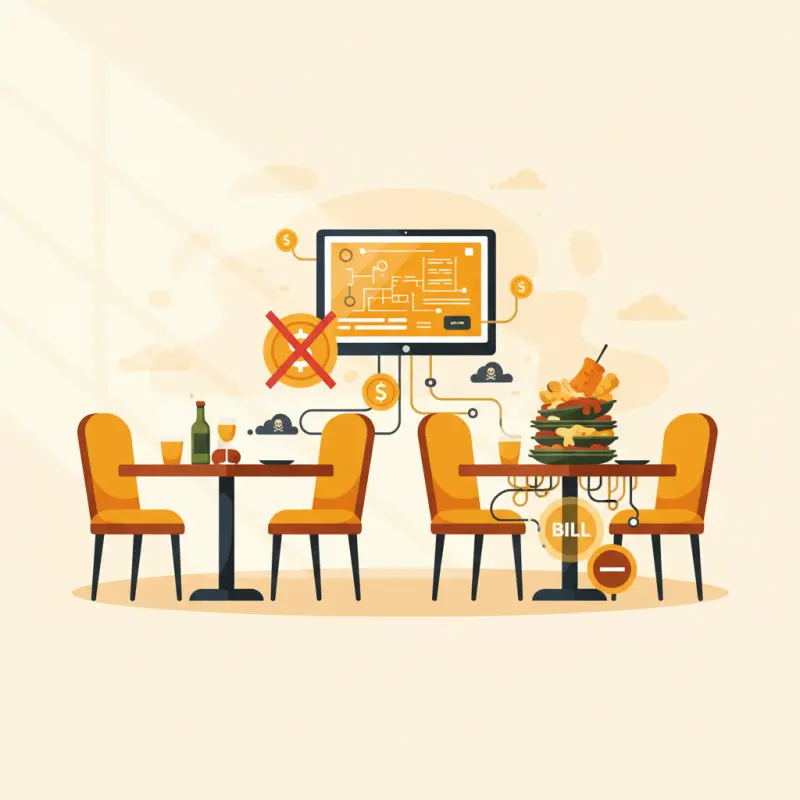
Most restaurant booking system online platforms aren't actually free despite their marketing claims. OpenTable, Resy, and similar platforms charge 2-4 MAD per seated diner through commission fees, while premium platforms like TableAgent lock essential features behind paid tiers. A Casablanca seafood restaurant discovered they paid 4,800 MAD in booking fees during one December alone. These platforms also retain ownership of your customer data, preventing direct communication with your diners. The real cost isn't the monthly fee — it's the per-transaction charges that compound over time. Commission-based systems can cost restaurants 400-800 MAD monthly for 200 reservations. Choose a restaurant booking system online that charges transparent monthly fees with no per-guest commissions to protect your profit margins.
Table of Contents
Your restaurant in Agadir turns away 15 paying customers every Friday night because your booking system shows tables as occupied when they're actually empty. This costs you 12,000 MAD in lost revenue every month — more than most restaurants spend on their entire tech stack.
The problem isn't just bad software. It's that most restaurant booking system online options weren't built for how restaurants actually operate. They handle reservations but ignore walk-ins. They track bookings but can't talk to your POS. They promise simplicity but deliver chaos during your busiest hours.
The Hidden Cost of Free Restaurant Booking Systems
Every major booking platform claims to be free. OpenTable says free. Resy says free. The new startup in your Instagram ads says free. But here's what they don't show in their marketing:
| Platform Type | Advertised Price | Actual Monthly Cost (200 reservations) | Hidden Fees |
|---|---|---|---|
| Commission-based | "Free to start" | 400-800 MAD | 2-4 MAD per seated diner |
| Premium feature lock | "Free basic plan" | 500-1,500 MAD | SMS reminders, reports, integrations extra |
| Data ownership model | "Always free" | Your customer data | Can't export, can't email, platform owns relationships |
| OCHI | Free | 0 MAD | None — you own everything |
The €2 Per Cover Reality
A seafood restaurant in Casablanca switched from their "free" table reservation software after discovering they paid 4,800 MAD in booking fees during one December. The platform charged 2 MAD per seated guest — invisible to customers but devastating to margins on a 35 MAD appetizer.
Free trials compound the problem. You invest three weeks training staff, uploading menus, and promoting your booking link. Then month two arrives with the real pricing. You're trapped. Starting over means confusing customers who just learned your booking process.
The most expensive restaurant reservation software isn't the one with the highest price tag. It's the one that nickels and dimes you per transaction while holding your customer data hostage.
Food cost calculator
What’s your real margin?
Food cost
29.2%
Gross margin
70.8%
Profit / dish
85 MAD
Healthy · under 30%
Digitize your menu with OCHIRestaurant Booking Systems That Actually Work in Morocco
Your customers in Marrakech don't book like diners in Manhattan. They message on WhatsApp at 11 PM. They expect confirmations in Arabic. They bring parties of 12 when they reserved for eight. Any booking system that ignores these realities will fail within weeks.
The Mobile-First Requirement
Here's what Moroccan restaurants actually need from their booking platform:
Mobile optimization matters more than desktop design. Our data shows 78% of restaurant bookings in Morocco happen on smartphones — usually while customers browse Instagram or chat with friends about dinner plans. If your booking form requires pinching and zooming, you've already lost them.
Language switching must be instant and complete. Not just menu items — every button, every confirmation, every error message. A customer who starts in Arabic shouldn't see French halfway through booking. OCHI handles this automatically with full RTL support and three-language coverage.
SMS confirmations beat email 10 to one. Your customer's email inbox has 1,847 unread messages. Their SMS app gets checked immediately. Smart restaurant booking software sends confirmations where customers actually look.
Why Most Restaurant Owners Choose the Wrong Booking System
Restaurant owners make three predictable mistakes when selecting booking platforms. First, they count features instead of measuring workflow impact. A system with 50 features that your staff won't use is worse than one with five features they master in an hour.
Second, they evaluate booking in isolation from other operations. Your reservation system must talk to your POS, update your kitchen display, and sync with table management. Otherwise you're managing three separate systems that contradict each other during rush hour.
The POS Integration Test
Before choosing any restaurant table reservation software, ask these questions:
Does the system show real-time table availability based on actual POS data? Can your host see which tables just got their check versus which ones just ordered dessert? When a booking modifies their party size, does your floor plan update automatically?
Red flags include: "manual sync required," "updates every 15 minutes," or "contact support for integration setup." These mean your staff will spend their shift juggling two systems that don't communicate. During a Friday night rush in Agadir, that juggling act costs you tables and tips.
OCHI solves this by building reservations directly into the POS. One system knows everything: who's booked, who's seated, who's paying, who's walking in. Your host sees reality, not wishes.
Table Management vs. Booking: What Restaurants Actually Need
Booking widgets handle reservations. Table management systems run restaurants. The difference becomes obvious at 8 PM on Saturday when you're juggling 20 seated parties, five waiting reservations, and three walk-in groups.
A booking widget tells you someone wants table 12 at 7:30. A management system tells you table 12's current party is on dessert, typically takes 20 minutes to close out, and your 7:30 reservation includes a regular who tips well but always runs 15 minutes late.
The Casablanca Restaurant Scenario
Consider Marina Restaurant, a 60-seat spot near the Casablanca waterfront. Friday night brings 40 reservations plus 35 walk-in attempts between 7 and 9 PM. Their old booking system showed "fully booked" online while three tables sat empty inside.
With OCHI's integrated approach, their host sees everything on one screen. Table 8's reservation no-showed — automatically released after 15 minutes. Table 3 just got their check — available in approximately 10 minutes based on historical data. The VIP four-top in the corner runs long — system suggests not seating walk-ins there before 9:30.
This intelligence comes from POS integration. Every order, every check, every table turn feeds back into availability predictions. Your booking system learns your restaurant's actual rhythms, not theoretical timeslots.
Building Your Reservation System: The 48-Hour Setup Guide
Migration anxiety keeps restaurants stuck with bad systems. Owners imagine weeks of chaos, confused customers, and lost bookings. In reality, a properly managed switch takes two days.
Day 1: Technical Setup
Morning starts with domain configuration. Your restaurant gets its own branded booking URL: yourname.ochi.ma. No generic platform link — customers see your brand, not ours. This takes 10 minutes.
Next, map your floor plan. Draw your dining areas (main room, terrace, private dining). Set realistic capacities — that six-top in the corner really only fits four comfortably. Assign tables to sections for server management. This foundational work prevents booking conflicts later.
Afternoon focuses on staff access. Your host needs full booking control. Servers need read-only table status. Managers need reports. OCHI's role system handles this automatically — no custom configuration needed.
Day 2: Go-Live Process
Soft launch with 20% capacity for online bookings. Send SMS to your top 50 customers with the new booking link. Monitor how they interact with the system. Fix any confusion before opening floodgates.
Train staff during actual service, not theoretical sessions. Your lunch shift provides perfect practice — lower pressure, real scenarios. By dinner, they're confident. The system guides them through edge cases: modifications, no-shows, walk-in conversion to future bookings.
Customer communication stays simple. One SMS to your database: "Book your table at restaurant-name.ochi.ma — same great food, easier reservations." No long explanations. No apologies. Just the new, better way forward.
Smart restaurants succeed because they invest in systems that multiply their team's capabilities rather than complicate them. See what a truly integrated restaurant booking system online looks like at ochi.ma/partners.
Frequently Asked Questions
What are the hidden costs of free restaurant booking system online platforms?
Free platforms typically charge 2-4 MAD per seated guest, SMS fees, and lock premium features behind paid plans. A restaurant with 200 monthly reservations can pay 400-800 MAD in hidden fees.
Do restaurant booking system online platforms own my customer data?
Yes, most platforms retain ownership of your reservation data and customer contacts. You cannot export this information or communicate directly with guests outside their platform.
How much do commission-based restaurant booking systems actually cost?
Commission-based platforms charge 2-4 MAD per seated diner. For a busy restaurant, this can exceed 1,000 MAD monthly despite being advertised as free.
Can restaurant booking system online platforms integrate with POS systems?
Most basic booking platforms don't integrate with POS systems, creating gaps between reservations and actual table management. Look for platforms that offer unified restaurant management.
What should I look for in a restaurant booking system online for Morocco?
Choose platforms with transparent pricing, no per-guest fees, POS integration, and full data ownership. Ensure they support Arabic and French languages for Moroccan customers.
Restaurant owners · Weekly
The guide to running a restaurant in 2026.
One article per week. No commission advice. Just honest operational insight for Moroccan restaurants.

Blog Manager
Comments
No comments yet. Be the first to share your thoughts.