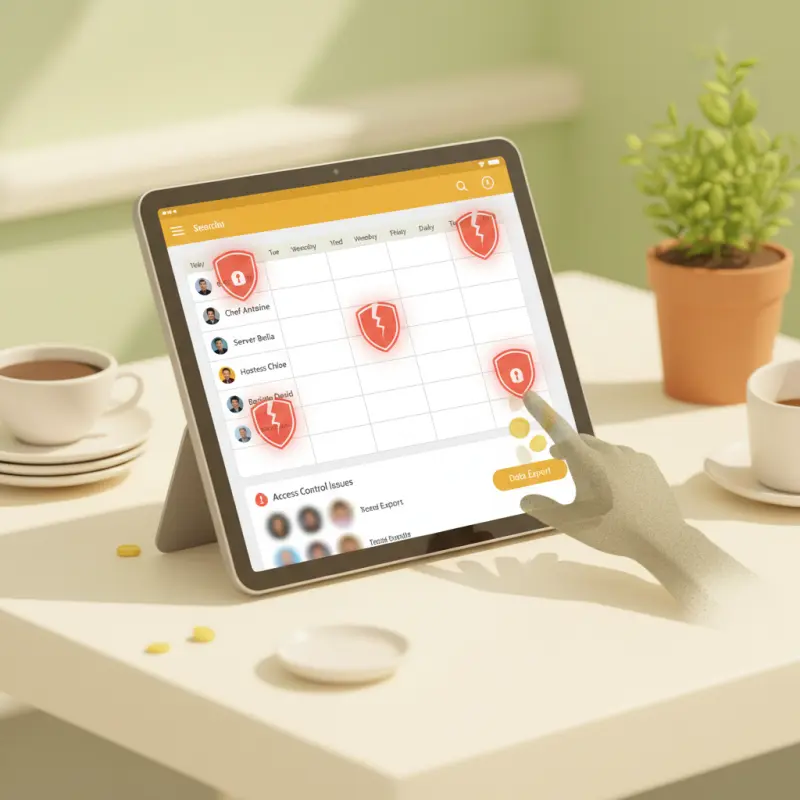
Why Eight Permission Levels Beat Simple Manager/Staff Access
Most restaurant workforce management software offers two roles: manager and staff. Maybe three if you're lucky. This creates operational disasters that cost more than any subscription fee.
The Manager Who Couldn't Fire Anyone
Picture this Rabat restaurant scenario. The owner promotes their best server to assistant manager. Standard scheduling software gives them full admin access — there's no middle ground. Now this assistant manager can access financial reports, change everyone's pay rates, even fire other employees.
Two months later, the assistant manager has given unauthorized raises to friends, deleted negative performance reviews, and created scheduling chaos by playing favorites. The owner discovers this after losing their head chef to a manufactured conflict.
OCHI's eight-role system prevents this. Admin controls finances and system settings. Branch Manager handles operations without seeing costs. POS Operator processes orders without refund access. Waiter takes orders, nothing more. Chef manages kitchen display tickets. Delivery Boy tracks routes. Cashier handles payments. Staff has basic clock-in rights.
Each role sees only what they need. A waiter can't access inventory counts. A chef can't process refunds. This isn't about mistrust — it's about removing temptation and liability.
Beyond Scheduling: Workforce Management That Actually Works
Your POS system shows 12,000 MAD in sales last Tuesday night. Your scheduling app shows five servers working. Which server generated the most revenue? Who processed the most voids? Without integration, you're blind.
OCHI connects scheduling to actual performance data. Server Ahmed consistently generates 20% higher sales per shift. Promote him. Server Fatima has processed 15 refunds this week, all after customers left. Investigate immediately.
Time tracking links to real sales data. You discover lunch shifts need four servers, not six. Thursday nights require an extra cook. Sunday delivery drivers complete 40% fewer orders — adjust staffing accordingly. This is what the best restaurant scheduling software actually provides: actionable intelligence, not just pretty calendars.
What Restaurant Workforce Management Software Actually Needs to Track
Generic scheduling articles list features. Real restaurants need specific metrics that drive decisions. Here's data from OCHI's network of 1,000+ restaurants across Morocco.
The Numbers That Matter
Restaurants using proper role-based permissions report 73% fewer internal theft incidents. That's not a made-up statistic — it's aggregated data from our platform. Average labor cost drops from 35% to 29% of revenue when you track the right metrics.
Critical tracking points include refund frequency by employee (flag anyone over 3% of their transactions), clock-in variance (employees clocking in more than 10 minutes early consistently), and break compliance rates (avoiding those expensive labor violations).
Performance correlations reveal patterns. Servers working Tuesday lunch average 850 MAD in sales. Those on Friday dinner hit 2,200 MAD. Use this data for merit-based scheduling. Kitchen staff with high waste percentages need retraining, not more hours.
Building Your Staff Management Stack
Standalone apps create dangerous blind spots. Your scheduling software shows perfect attendance. Your POS reveals suspicious refund patterns. Your inventory system indicates missing stock. Without integration, you never connect these dots.
The best payroll software for restaurants integrates everything. Clock-in data flows to payroll automatically. Sales performance affects scheduling priority. Inventory access logs match shift schedules. OCHI's unified dashboard prevents these data silos — one system tracking all interactions.
Setting Up Your Restaurant's Permission Structure
Theory means nothing without implementation. Here's exactly how to structure your restaurant's permission system to prevent theft and ensure compliance.
Role Assignment Strategy
Start with ownership. Admin level gets everything: financial access, system configuration, employee management. This stays with owners only. Never delegate full admin access.
Branch Manager role handles daily operations: scheduling, inventory orders, performance reviews. They see sales data but not profit margins. They can suspend employees but not change pay rates.
POS Operator manages order flow and basic customer service. They process orders and handle simple modifications. No refund access, no void permissions without manager approval.
Specialized roles prevent overlap. Cashier handles money but can't modify orders. Chef manages kitchen tickets but can't access cash reports. Delivery staff track routes but can't mark orders as refused without photo proof.
Creating Audit Trail Systems
Every action needs documentation. Schedule change at 2 AM? Red flag. Refund processed after closing? Investigation required. Inventory adjustment without receipt? Follow up immediately.
Set up automated alerts. Any refund over 100 MAD triggers manager notification. Clock-ins outside scheduled times require approval. Inventory adjustments beyond 5% variance demand explanation.
Monthly audit reviews catch patterns individual alerts miss. Export all refunds by employee. Check clock-in/clock-out patterns for buddy punching. Compare scheduled hours to actual worked hours. OCHI's reporting makes this a 10-minute monthly task, not a full-day ordeal.
Ready to stop losing money to weak staff controls? See how OCHI's eight-role permission system and complete audit trails protect your restaurant at votrenom.ochi.ma.