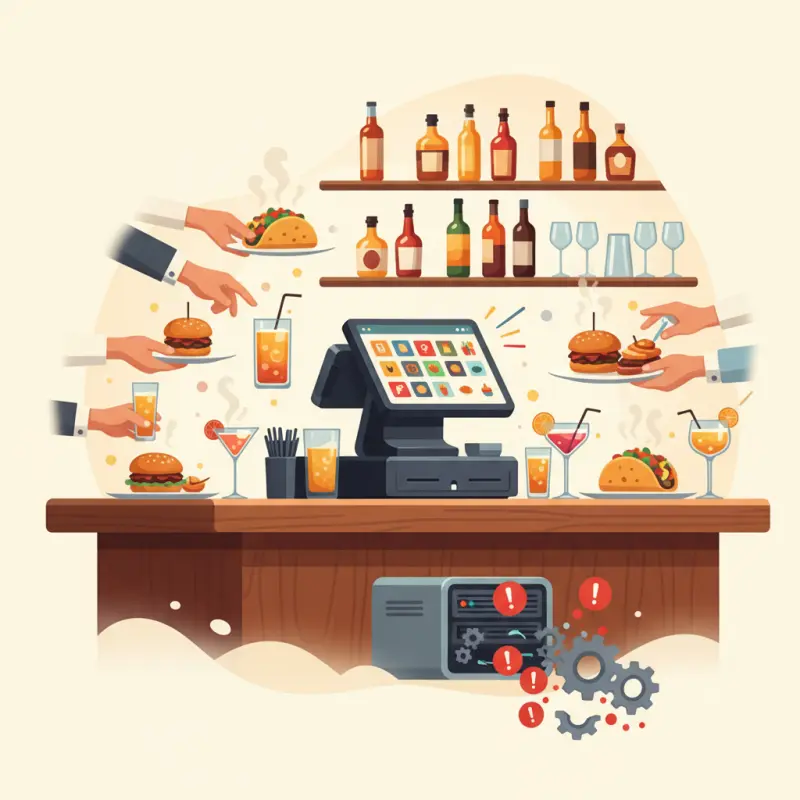
POS System for Bar Restaurant: Why Generic Solutions Fail at Peak Volume
Blog Manager
··6 min read
AI Overview
Most bars use restaurant POS systems that weren't designed for high-volume drink service, creating hidden costs during peak hours. A pos system for bar restaurant operations needs to handle 200+ transactions per hour, not the 30 transactions cafes process. Generic systems force bartenders to navigate complex menus designed for tagine orders, not rapid cocktail service. Tab management becomes a bottleneck when pre-authorization takes 15-20 seconds instead of three. In cities like Casablanca and Fès, bartenders lose their natural flow when interfaces require multiple taps for simple orders. Coffee shop modifiers don't translate to bar speed — one tap for beer, two for whiskey neat. Choose a POS system built for bar volume, not borrowed from restaurant operations.
Table of Contents
For restaurant owners
Start your restaurant in 60 minutes.
From signup to your first real order — no commission, no setup fee, no sales call.
The Real Cost of Generic POS Systems in Bar Operations
Friday night in Casablanca. Your bar hits peak capacity at 11 PM. The bartender fumbles with a restaurant POS interface designed for leisurely dinner service, not the rapid-fire chaos of cocktail orders. Every second lost costs you money — and customers.
Most bars run on borrowed technology. They use restaurant POS systems that assume you're serving tagines, not managing 200 drink orders per hour. The mismatch creates invisible costs that compound every shift.
The Tab Management Problem No One Talks About
Opening a tab should take three seconds. In reality, bartenders spend 15 to 20 seconds navigating complex menus, entering customer details, and waiting for card pre-authorization. During peak hours, those extra seconds multiply into lost revenue.
Pre-authorization sounds perfect in theory. Your POS holds the customer's card details, guaranteeing payment. In practice? Network delays cause declines. Cards get flagged for unusual activity. The customer waits, frustrated, while your bartender troubleshoots payment issues instead of serving drinks.
Watch an experienced bartender work. They move with muscle memory — reach for the bottle, pour, hand to customer, take payment. Complex POS interfaces break this flow. Touch targets designed for calm restaurant service fail when bartenders work at speed, especially wearing gloves during winter months in Fès.
When Cafe POS Systems Don't Scale to Bar Volume
A cafe pos system handles maybe 30 transactions per hour during morning rush. Your bar processes that volume every 15 minutes on Saturday nights. The interface that works perfectly for espresso orders crumbles under bar conditions.
Coffee shops need detailed modifiers — milk type, temperature, extra shots. Bars need speed. One tap for a beer. Two taps for a whiskey neat. The more complex your interface, the longer each transaction takes.
Metric
Cafe Peak Hour
Bar Peak Hour
Revenue Impact
Transactions per hour
25-35
120-200
—
Average transaction time
45 seconds
15 seconds ideal
—
Monthly inventory shrinkage
2-3%
8-12%
15,000-30,000 MAD
Inventory tracking reveals the real damage. Without proper pour tracking and real-time depletion, Casablanca bars lose 8 to 12 percent of revenue monthly to overpouring, theft, and waste. Generic POS systems can't track the difference between a standard pour and a heavy-handed bartender.
Stack audit
What do you currently use?
Tick what you have. We’ll show what OCHI replaces or connects to.
Split Checks, Shared Tabs, and Payment Chaos: The Operations Guide
Group dynamics create your most complex POS challenges. Four friends share appetizers. Two order cocktails. One pays for the first round. Another covers the second. By midnight, you're managing payment algebra that would challenge an accountant.
The Economics of Payment Processing in Moroccan Bars
Every payment split costs you money. Process one 400 MAD tab on a single card? You pay 2.9 percent once — 11.60 MAD in fees. Split that same tab across four cards? You pay 2.9 percent four times on smaller amounts, plus transaction fees. The math adds up fast.
Agadir beach bars see clear patterns: 60 percent cash, 40 percent card payments during tourist season. The ratio flips during local events. Your pos system for bar restaurant needs to handle both scenarios without slowing service.
Cash creates its own complexities. Bartenders need exact change for 47 MAD cocktails paid with 100 MAD notes. Float management, shift reconciliation, and tip distribution all require specific workflows that restaurant systems overlook.
Group Tab Management That Actually Works
Pre-set spending limits prevent the 3 AM surprise when someone's card declines after hours of drinking. Set a 500 MAD limit per tab. The system alerts bartenders when customers approach the threshold. No awkward conversations. No unpaid tabs.
The "I'll pay for everyone" moment happens nightly. Someone decides mid-service to cover the group's tab. Your system needs one-touch tab transfer without reprinting receipts or recalculating tips. Most POS systems require managers to void and re-enter everything.
Train your staff for payment disputes before they happen. Create scenarios: customer claims they already paid, friends argue over bill splits, someone disputes drink prices. Quick resolution protocols prevent these situations from disrupting service flow.
Why Food Truck POS Requirements Apply to Your Bar
Here's what no one tells you: bars have more in common with food trucks than sit-down restaurants. Both need lightning-fast transactions, minimal counter space, and simple interfaces that work in chaotic environments.
Speed Over Features: The Food Truck Lesson
POS systems for food trucks strip away complexity by necessity. No room for elaborate ordering screens when you're serving from a 2-meter window. No time for detailed modifiers when lunch crowds wait in line. This forced simplicity creates exactly what bars need.
Food truck operators master the art of the quick sale. Order, payment, handoff — all within 30 seconds. Your bartenders need the same efficiency. The fancy features that impress during sales demos become liabilities during service.
Counter space matters. Point of sale systems for food trucks use compact tablets or minimal hardware because there's nowhere else to put equipment. Behind your bar, every centimeter counts too. That bulky terminal takes space from bottles, glasses, and work areas.
Offline Capability That Bars Actually Need
Network outages don't follow business hours. Your internet fails at midnight on New Year's Eve, not Tuesday afternoon. Food truck POS systems assume connectivity problems — they build in offline modes that actually work.
Smart offline design stores essential data locally: prices, inventory counts, customer tabs. When connection returns, everything syncs automatically. No manual reconciliation. No lost transactions. Your business keeps running regardless of internet stability.
Backup payment scenarios save your night. Keep manual card imprinters for true emergencies. Train staff on offline procedures. But choose a system that rarely needs these backups because it handles intermittent connectivity gracefully.
The Hidden Integration Web: POS, Inventory, and Cafe Accounting Software
Your POS system is one piece of a complex puzzle. It must connect with inventory tracking, staff management, accounting software, and payment processors. Most vendors promise seamless integration. Reality proves messier.
Why Most POS Integrations Fail in Practice
Data sync delays create costly gaps. Your POS shows 47 bottles of premium vodka sold last night. Your inventory system updates 24 hours later. During that gap, no one notices you're running low. Saturday night arrives with empty shelves.
Cafe accounting software wasn't built for bars. It doesn't understand split tips, shift drinks, or complimentary pours. Age verification logs require manual entry. Alcohol tax calculations need separate workflows. You end up managing multiple systems that barely communicate.
Staff permissions become a nightmare across platforms. Your head bartender needs inventory access but not payroll. Servers need to open tabs but not process refunds. Each system requires separate login credentials and permission settings.
OCHI's Modular Approach to Bar Operations
OCHI builds differently. One dashboard manages your entire operation — POS, inventory, staff scheduling, and accounting. No juggling between systems. No integration delays. Everything updates in real-time.
Your bar gets a branded subdomain like votrenomdebar.ochi.ma. Customers order through QR codes at tables or the bar. Orders flow directly to your POS and bar display. Inventory depletes automatically with each pour.
Real-time alerts prevent stockouts. Set minimum levels for high-turnover items like house wine or popular beers. The system notifies managers when supplies run low, with enough time to reorder before the weekend rush.
Staff roles match bar reality. Bartenders see only what they need — active tabs, quick sale buttons, and payment options. Managers access full reports, inventory counts, and staff performance metrics. Security staff can view table assignments without accessing payment data.
Choosing the right POS system for bar restaurant operations isn't about features. It's about understanding the unique rhythm of bar service — the speed, the complexity, the controlled chaos of a perfect Friday night. Generic solutions will always fall short because they solve the wrong problems.
Test OCHI's bar-optimized POS at votrenom.ochi.ma and see how the right technology transforms your operations.
Frequently Asked Questions
What makes a POS system suitable for bar restaurants versus regular restaurants?
Bar POS systems need rapid transaction processing for high-volume drink orders, simple interfaces for speed, and quick tab management. Restaurant systems focus on detailed order modifications and longer service times.
How does transaction speed affect bar revenue during peak hours?
Every extra second per transaction multiplies across hundreds of orders. A 15-second delay instead of 3 seconds costs significant revenue when processing 200+ drinks per hour during peak service.
Why do cafe POS systems fail in bar environments?
Cafe systems handle 30 transactions per hour with complex modifiers for coffee drinks. Bars need to process that volume every 15 minutes with simple, speed-focused interfaces.
What are the hidden costs of using generic restaurant POS in bars?
Slow interfaces reduce transaction speed, complex menus break bartender workflow, and pre-authorization delays frustrate customers. These factors compound into lost revenue every shift.
How should tab management work in an efficient bar POS system?
Tab opening should take three seconds maximum with instant card pre-authorization and minimal data entry. Complex customer detail requirements slow service and create bottlenecks.
Restaurant owners · Weekly
The guide to running a restaurant in 2026.
One article per week. No commission advice.
Just honest operational insight for Moroccan restaurants.
Blog Manager
Comments
No comments yet. Be the first to share your thoughts.